License Management
With installation of the extension the license query takes place. A 30-day test license is generated.
To renew the license you can use the link to send a license request to TSO-DATA as vendor.
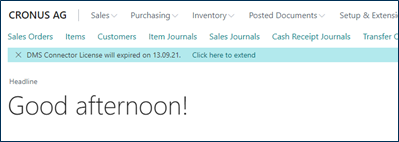
A wizard will then open and ask for all the necessary information.
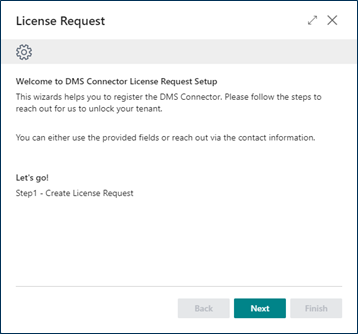
Clicking "continue " will take you to a screen where you must enter your contact information. This contact information is needed to process your license request. The handling of data that you hand over to us is set out in the Privacy Policy. You can find this information in the AppSource.
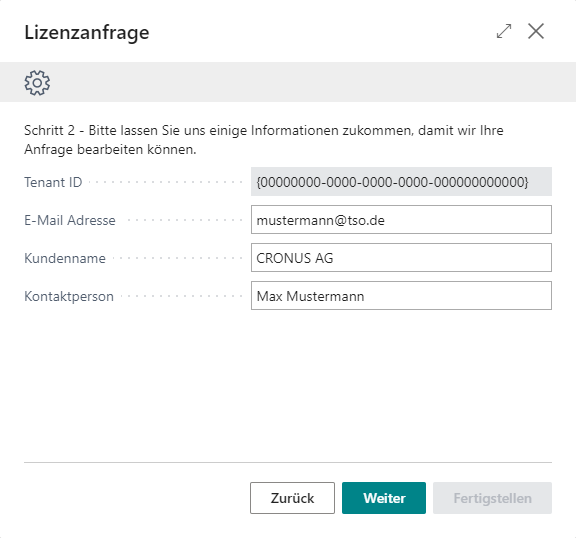
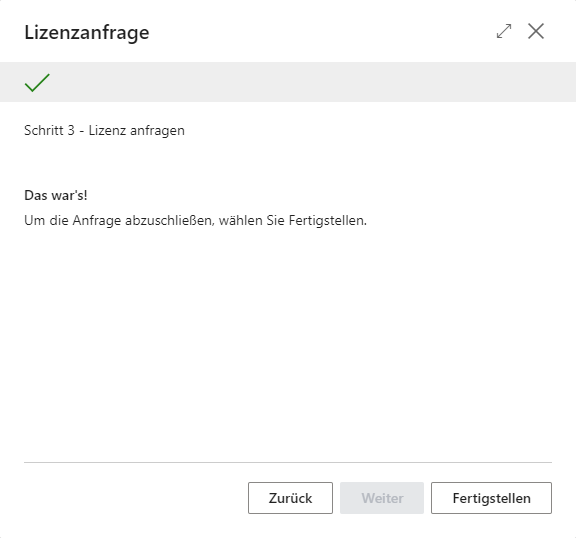
After entering all data, you trigger an e-mail to TSO-DATA by clicking "Finish ". Thereupon the vendor of the extension will take care of your request.
If you have any questions about this process or for a status inquiry, you can contact us. (Contact information)