(Deprecated) DMS Report Archiving Setup
Conversion to the new report archiving
If you have already set up the old report archiving, it is advisable to coordinate the conversion to the new report archiving with your contact at TSO. Your individual implementations for the report archiving may need to be analysed and modified before the conversion.
DMS report archiving is used to generate document proofs of booked receipts. These documents can be automatically stored in M-Files.
An overview of the standard reports integrated in the DMS Connector can be found here.
Setup
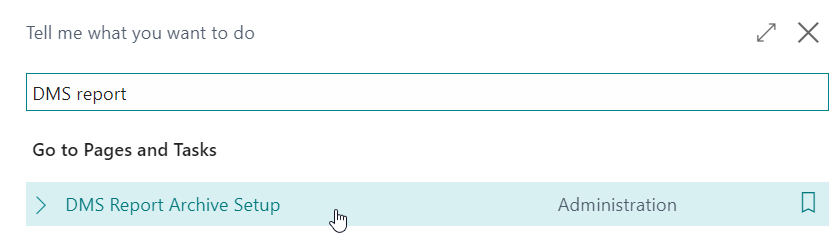
You can find the DMS report archiving setup by searching for "DMS Report Archive Setup".
An overview of the set up archiving is displayed.
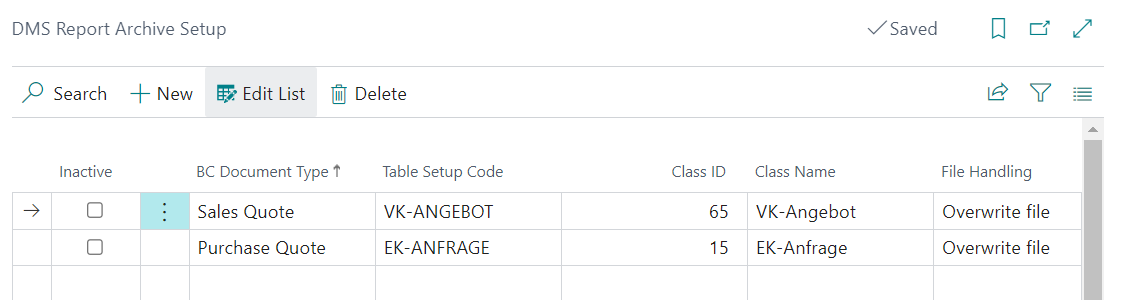
The upper half of the page is set up as follows:
- Inactive: This can be used to control whether the selected archiving is active or inactive.
- Document type: Select the document type to be archived.
- Table setup: Select the table setup where the M-Files class is stored that you want to use for archiving. The setups are automatically filtered correctly by table numbers.
- Class ID: Select the class to be used for archiving.
- Class Name: The name of the class selected in the previous field.
- File Handling: Select what should happen to the already archived file if the document is released again.
The fields on the bottom half of the page are largely the same as those on the top half of the page. The additional fields here are:
- Archiving from booking date: It can be limited from which booking date the archiving should start.
- Archiving until booking date: It can be limited until which booking date the archiving should run.
- Number of files per run: Here you define how many document proofs of a category should be created per run. The run is executed by the task queue entries.
Execution of archiving
For the execution of archiving, the job "Codeunit 5371121 -- Document PDF CreationTDMS" is required. When activated, this codeunit takes all active DMS report archiving setups into account. In addition, the active status of the associated table setup is taken into account.
Archived sales invoices/credit notes/delivery notes/reminders
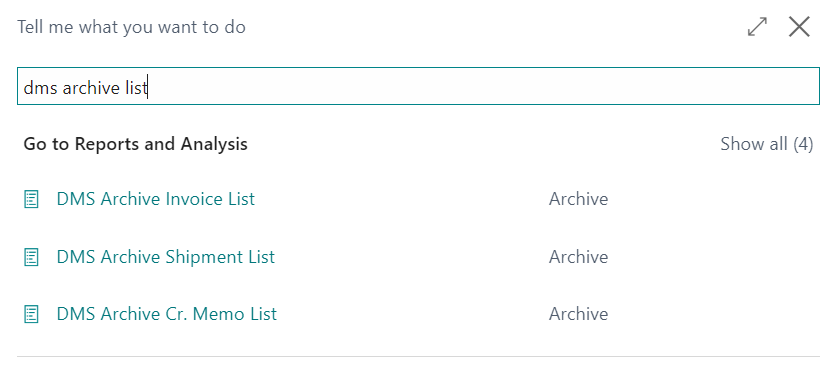
To ensure that already archived reports are only archived once, they are recorded in the DMS Archived Reminders/Invoices/Credit Notes/Deliveries table. You can access these tables by searching:
Here you will find an overview of the already archived reports, in this case exemplarily for the sales invoice:

You can see the document number, the time of archiving, and some other information in the overview.