DMS Teams Setup
On the DMS Teams page you can create as many teams as you want. To create a new team, a unique code and a team name is required. The Number of members action opens the team members page. The action "Members " in the action bar also opens the team members page.

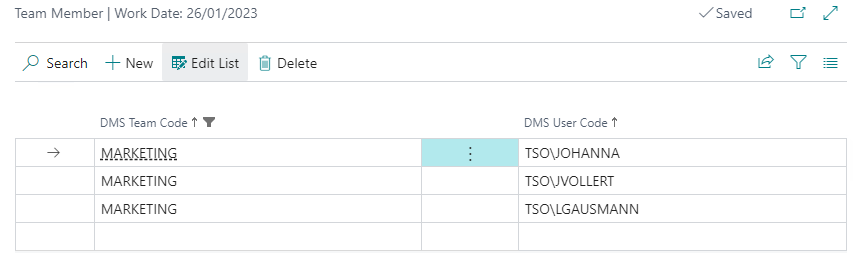
Here you can add as many members as you want to the respective team. The members can be selected from the DMS users.
After setting up the DMS teams, it is possible to use them, for example, as approval groups under M-Files.