Table and Status Overview
In the DMS M-Files table setup overview, you have the possibility to check per table setup how many elements have already been uploaded, are still to be uploaded, are updated, overwritten or deleted, or have run into an error.

Column information
-
Elements uploaded: Shows the number of all objects and files that have already been successfully uploaded to M-Files for the respective table setup.
-
Items to Upload: Shows the number of all objects and files that have not yet been uploaded for the respective table setup, but are in the queue.
-
Elements to update: Shows the number of all objects and files that need to be updated for the respective table setup whose metadata is in M-Files.
-
Elements to overwrite: Shows the number of all objects and files that need to be overwritten for the respective table setup that exists in M-Files because a new version exists.
-
Elements to delete: Shows the number of all objects and files, for the respective table setup, that have been marked for deletion by a user and are waiting to be deleted.
-
Elements with error flag: Shows the number of all objects and files that have been marked for deletion for the respective table setup that have run into an error. Clicking on the elements with errors takes you to the overview where you can see the last error message:

Update or delete M-Files objects from Business Central
Before you start
Make sure that the user is stored in the DMS user setup and has rights to delete. Otherwise follow the instructions in chap. DMS User Setup.
If objects or documents run into an error or should be updated or deleted, you have the possibility to control this also via the DMS M-Files table setup. To do this, click on the desired record in the overview and you can control the following actions from here:

-
Update metadata: Updates the elements selected in the list. For example, if you have adjusted metadata in the meantime.
-
Delete M-Files object in BC: Deletes the record in the table setup. Can be useful if an object or document was accidentally deleted in M-Files, so that in that case you can also delete the link in Business Central.
-
Delete M-Files object in M-Files: Deletes the record in M-Files and in Business Central.
-
Reset error counter: Resets the error counter. This will restart the upload when the job is restarted. Based on the upload attempts defined in the DMS Connector setup, the upload will be retried several times automatically. Thereby the error counter will be incremented by one each time.
-
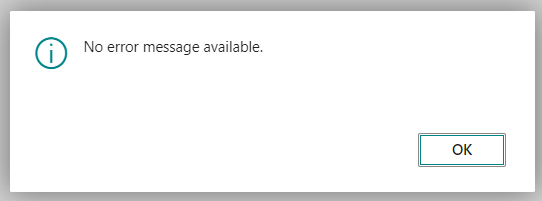
Detailed error message: Via "Actions" you get to the detailed error message. This shows the error of the selected record, which contents and properties have been transferred. If the error is corrected, a pop-up shows that there are no more error messages.