License Check
In the DMS SharePoint setup, you can view all information regarding the status of your current license in the License Information tab.
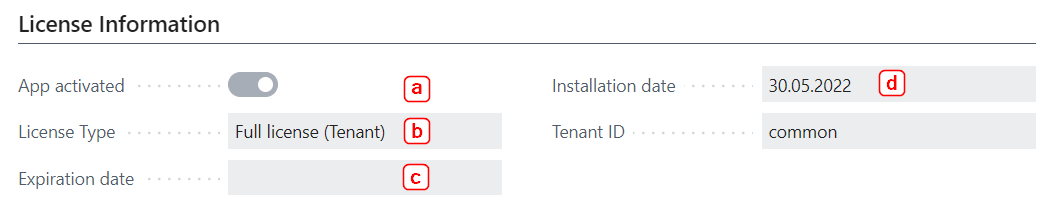
- App activated: Indicates the current activation status.
- License Type: Specifies the current license type.
- Expiration date: Specifies when the license expires.
- Installation date: Displays the expiration date of the license. The date is automatically renewed when an updated license is retrieved.