Archiving Rejected Documents in the Document Capture Document Journal
This feature enables the automatic archiving of documents that are rejected in the Document Capture document journal. This ensures complete documentation of all incoming documents - including those that are not processed further.
Configuration
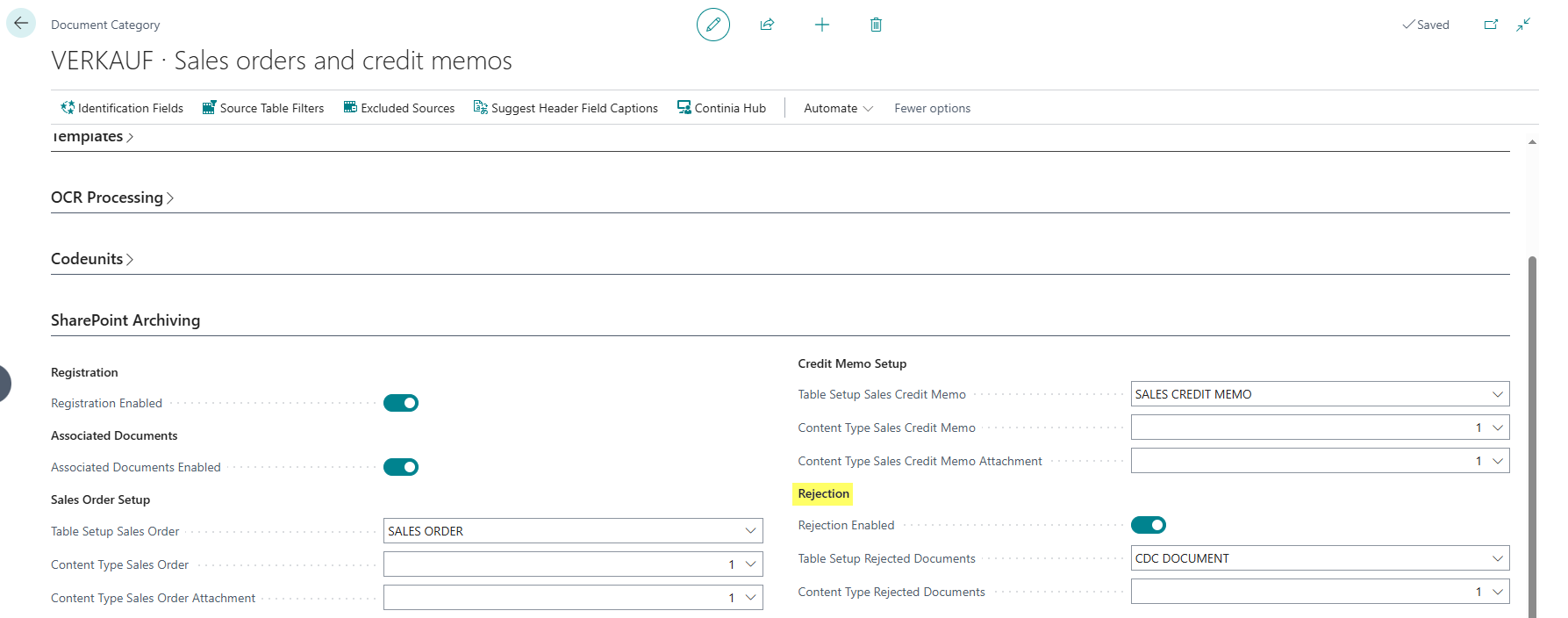
The settings are configured in the Document Capture Document Category. The following fields are available for both purchase and sales documents:
- Rejection Enabled: Enables the automatic archiving of rejected documents in SharePoint. When this field is enabled, all documents of this category are automatically archived when rejected.
- Table Setup Rejected Documents: Specifies the SharePoint table setup that is used for archiving rejected documents. The table setup must be created with the table CDC Document (ID 6085790) and defines the target SharePoint library and the associated metadata fields. For more information about the setup, see the DMS SharePoint Table Setup documentation.
- Content Type Rejected Documents: Specifies the SharePoint content type that is used when archiving rejected documents. The content type determines which metadata fields are assigned to the document in SharePoint.