Approval Teams in the Document Capture Document Journal
The approval feature enables the transfer of an approval team between vendors, Document Capture documents, and purchase documents. This function ensures that documents are automatically assigned to the correct approval team in M-Files and can be tracked throughout the entire processing workflow.
An approval team (DMS Team) is configured in the vendor. When a vendor is assigned to a Document Capture document, the approval team is automatically transferred to the document. When the approval team is changed on the vendor, all open Document Capture documents are automatically updated. During registration, the approval team is transferred to the created purchase document and is thus available for the further approval process in M-Files. Optionally, a mandatory validation can be enabled that prevents registration of documents without an assigned approval team.
It is also possible to specify the approval team in the document header. Changes to the approval team in the document header or on the CDC document are synchronized with each other.
Configuration
Document Capture Document Category
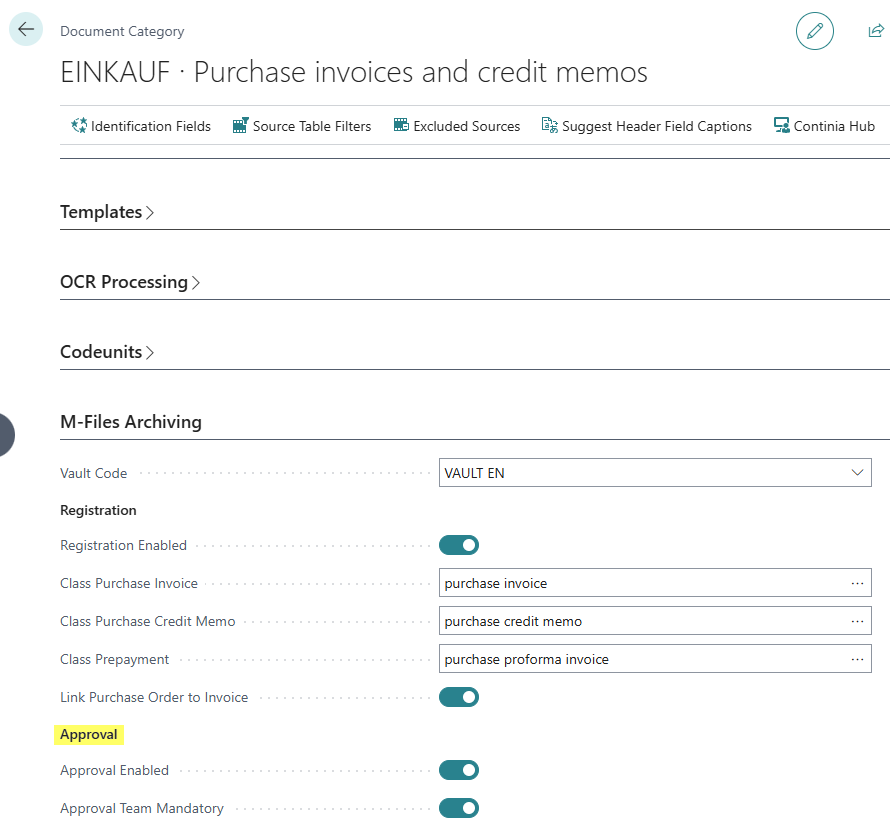
The basic settings are configured in the Document Category:
- Approval Enabled: Enables the approval function for this document category. When this field is enabled, the approval team is synchronized between vendors and documents.
- Approval Team Mandatory: Makes the specification of an approval team mandatory before registration. When this field is enabled, documents without an assigned approval team cannot be registered.
Vendor
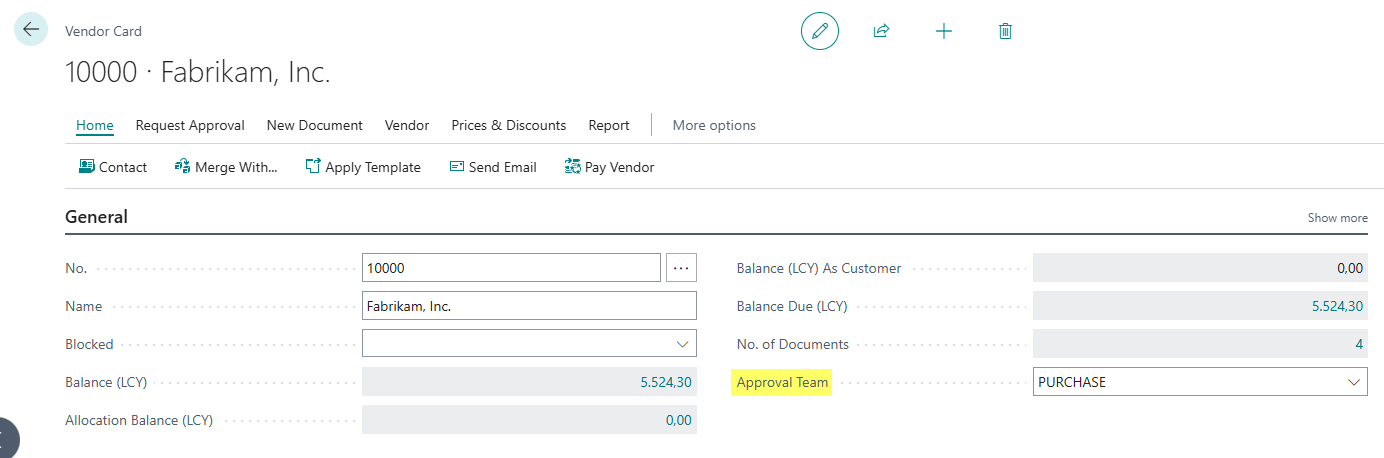
The responsible approval team can be configured in the Vendor:
- Approval Team: Assigns the DMS Team that is responsible for approving documents from this vendor. This assignment is automatically transferred to all associated Document Capture documents.